Every site in one glance
All your GA4 properties, across every Google Analytics account you can read, in a single scrolling dashboard with a combined total on top.
Synopsy for Mac · Works with Google Analytics 4
Synopsy is a native macOS menu bar app that shows visitors and page views for every Google Analytics 4 website you own. One click, every site, no browser tabs.
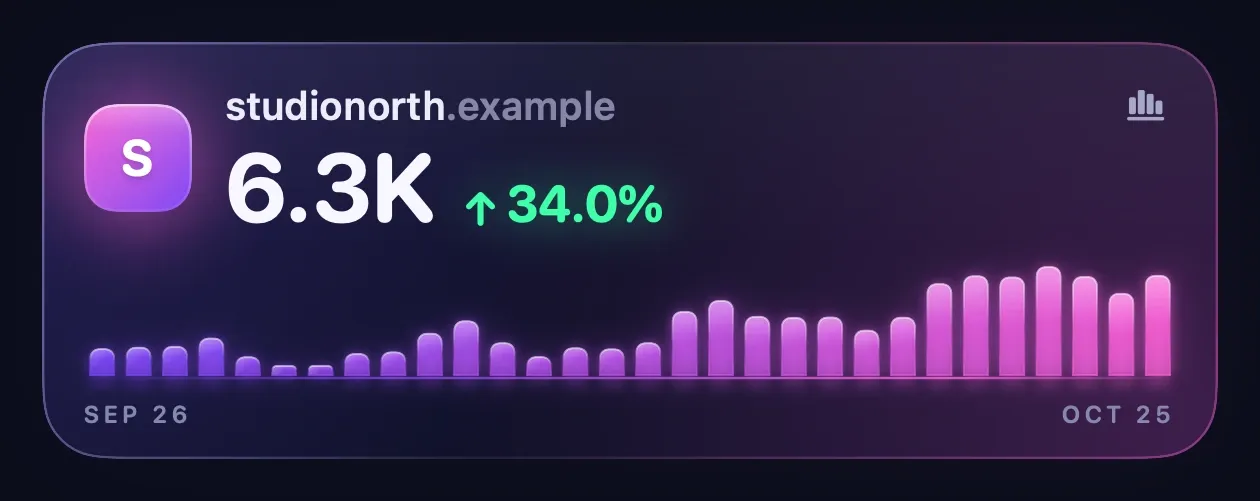
Anatomy of a card
Every website you own gets one. Click any part to see what it does.
7D · 30D · 90D · Visitors · Views
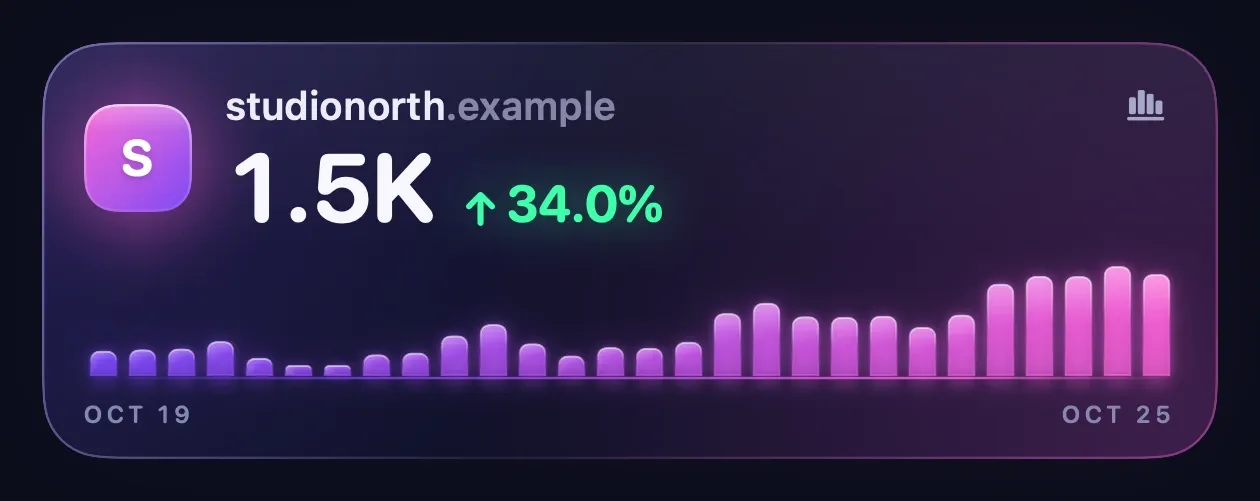
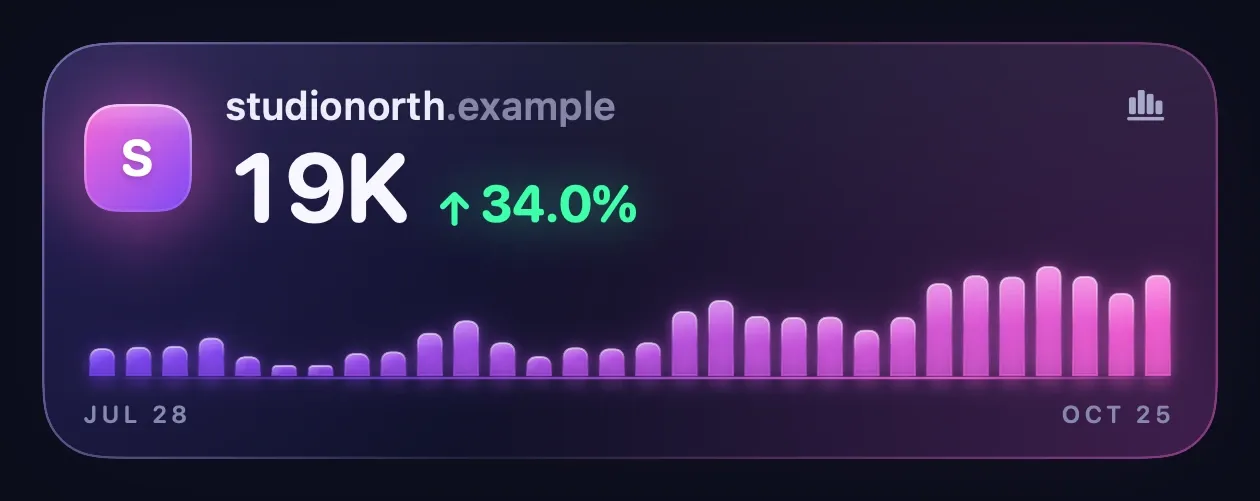
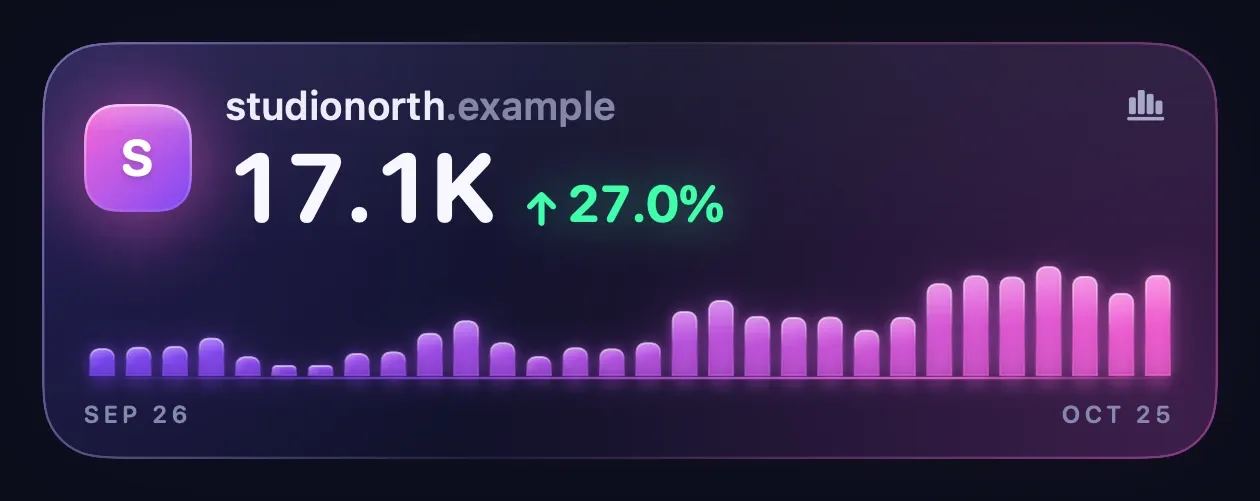
Switch the range or the metric at the top of the dashboard and every card, chart, and total follows, including the number in your menu bar.
Why Synopsy is worth $5
If you run more than one website, checking traffic means opening Google Analytics, picking an account, picking a property, and doing it again. Synopsy does all of it for you, every 30 minutes, in the background.
All your GA4 properties, across every Google Analytics account you can read, in a single scrolling dashboard with a combined total on top.
Skip the account picker, the property switcher, and the report builder. Click the menu bar, see the numbers, get back to work.
Written in Swift and SwiftUI with Apple frameworks only. No Electron, no web views, no dependencies. It sits quietly in the menu bar.
No Synopsy server, no account, no tracking in the app. Your analytics go straight from Google to your Mac and stay there.
Synopsy asks Google for read-only Analytics access. It can never change your properties, settings, or users.
$5, one time, through the Mac App Store. No subscription and no in-app purchases.
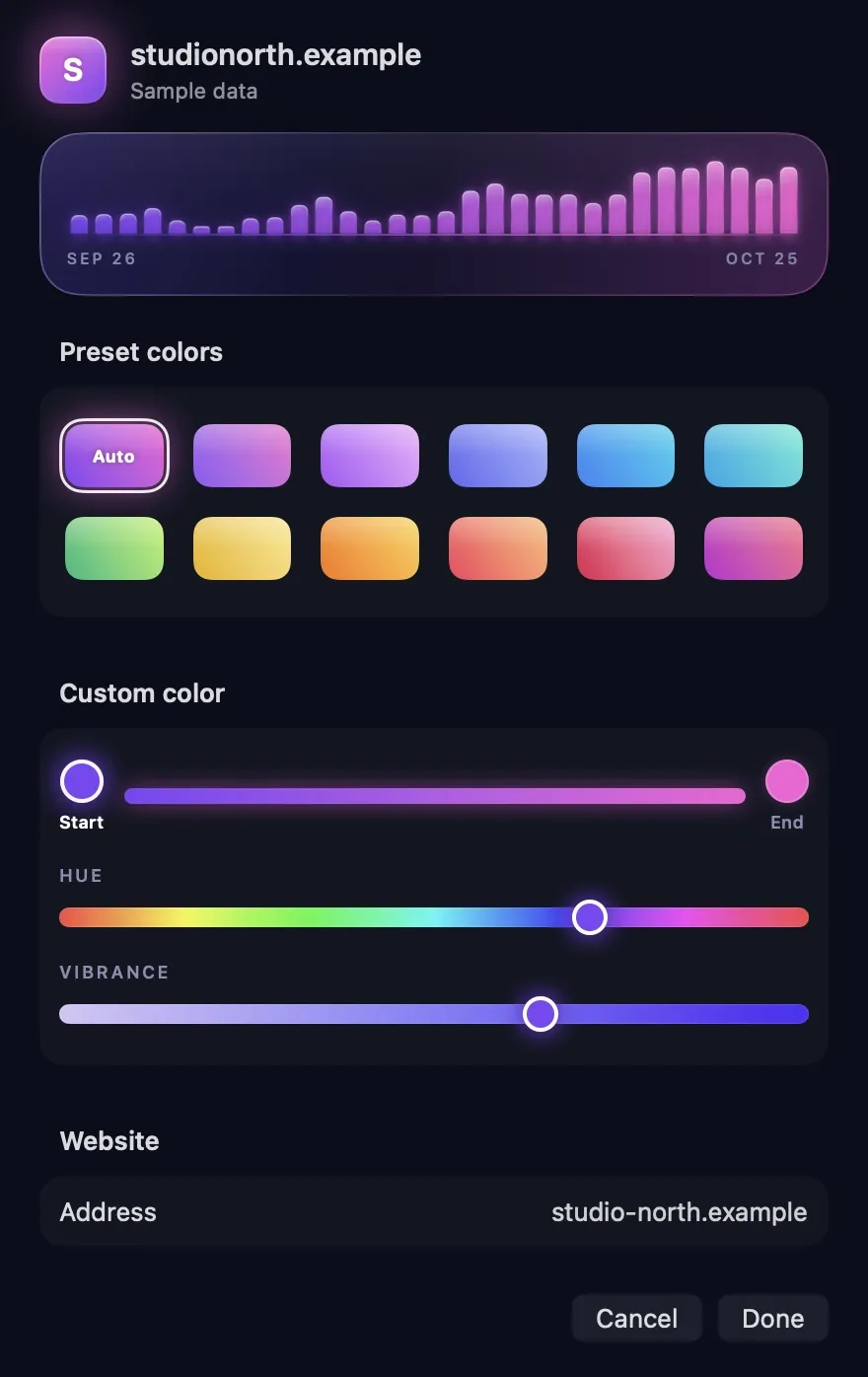
Every site, in its own color
Synopsy pulls each card's colors from the site's own favicon, so you can tell your sites apart at a glance. Prefer something else? Right-click a card, choose a preset gradient, or tune your own hue and vibrance.
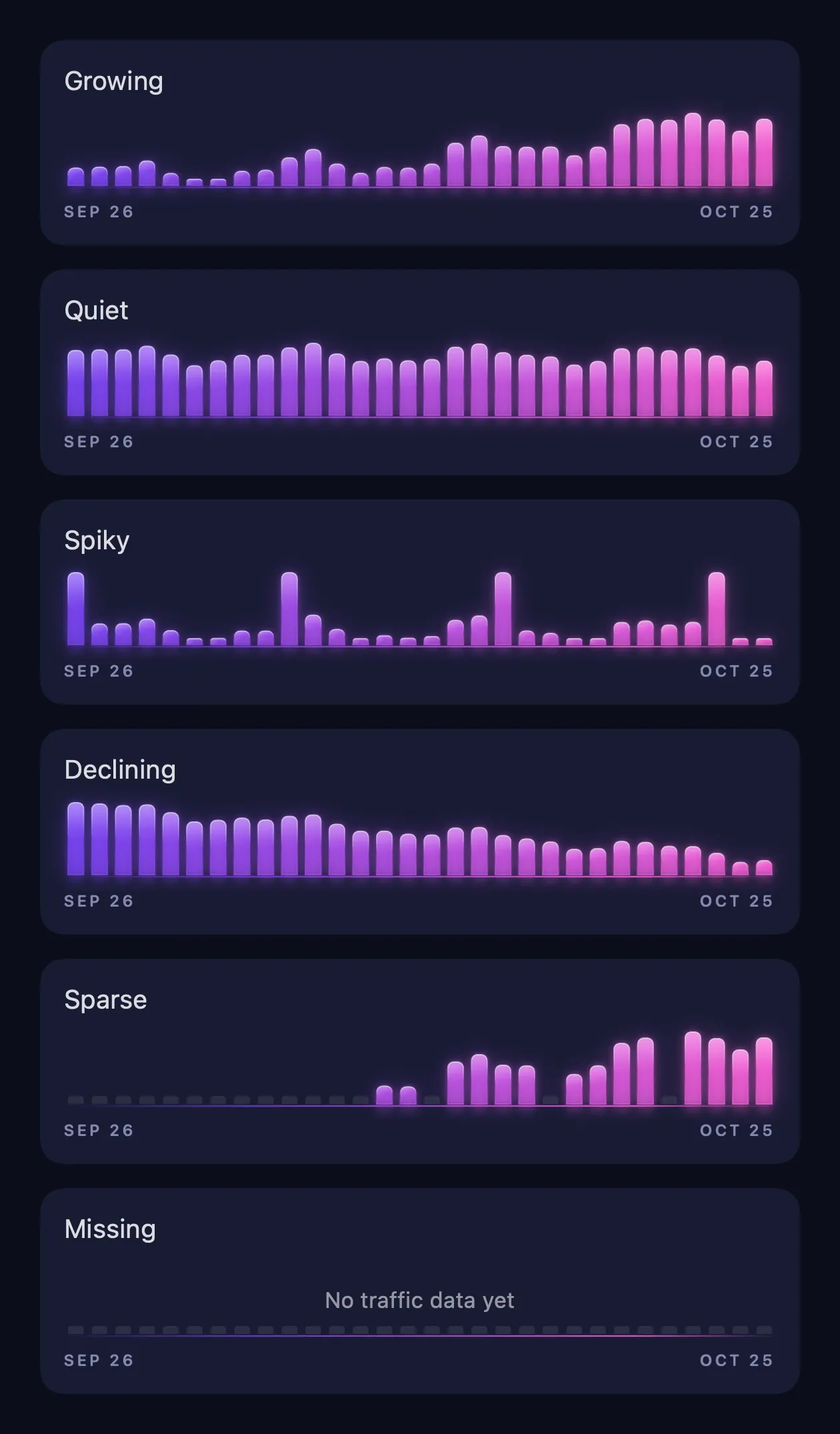
Honest charts
Growing, quiet, spiky, or sliding, every trend is obvious in a glance. Point at a bar for its exact value, or use the arrow keys and VoiceOver.
Missing data stays visibly missing, so a tracking gap never looks like a slow day. Charts move only when you change something, then stay still.
One headline number for all your sites, with growth against the previous equal-length period in green or red.
Switch every card and the menu bar total between visitors and page views with one click.
Arrange sites the way you think about them, or let the leaderboard sort them by the selected metric and period.
See the combined number next to the leaf icon without opening anything. Turn it off if you prefer just the icon.
Start Synopsy with your Mac so your numbers are always one click away.
Preview the whole dashboard with sample sites before you connect your Google account.
Private by design
The Synopsy app has no backend. It reads your reports directly from Google and keeps everything on your computer. We never see your sites, your numbers, or your email address.
Read the privacy policyFor people who care about accuracy
Analytics dashboards often add up daily unique users and call it a total. Synopsy doesn't. Here is exactly what you're looking at.
Questions
Google Analytics is built for deep analysis of one property at a time. Synopsy is built for the quick check: every website you run, side by side, one click from the menu bar. When you want to dig deeper, click the chart button on a site's card and Synopsy opens its GA4 reports in the right account.
No. Synopsy talks directly to Google's Analytics APIs from your Mac. There is no Synopsy server, and the app contains no analytics, advertising, or telemetry code. Sign-in tokens live in your macOS Keychain.
No. Synopsy works with Google Analytics 4 properties only. Google shut down Universal Analytics in 2024.
macOS 14 Sonoma or later.
No. Click Connect Google Analytics, sign in with Google in your browser, allow read-only access, and your properties appear.
No. Synopsy costs $5 once on the Mac App Store.
More answers on the support page, and how Synopsy stacks up against the alternatives on thecomparison page.
From the blog
Google Analytics 4 shows one property at a time. Here are four ways to see visitors across all your websites together, and when each one makes sense.
Google Analytics 4 has two user counts, and most reports show Active users. Here's how Total users differs, and why your numbers might not match.
Checking GA4 in a browser takes a dozen clicks. Here's how to see visitors and page views for all your sites from the Mac menu bar instead.

$5 once
No subscription. No account. Every GA4 website you own, one click away.
Coming soon to the Mac App StoreRequires macOS 14 Sonoma or later and a Google Analytics 4 property.